
Today, Adobe has announced that you can use its Photoshop, Express, and Acrobat tools right inside ChatGPT. Of course, this means you can simply tell the chatbot what you want to accomplish and it will use Adobe’s products. Then you can keep the conversation going by requesting changes.
Thus, you can easily edit images with Photoshop, whether that be adjusting just a specific part, fine-tuning settings like brightness, contrast, and exposure, or applying creative effects like Glitch and Glow, all while preserving the quality of the image.
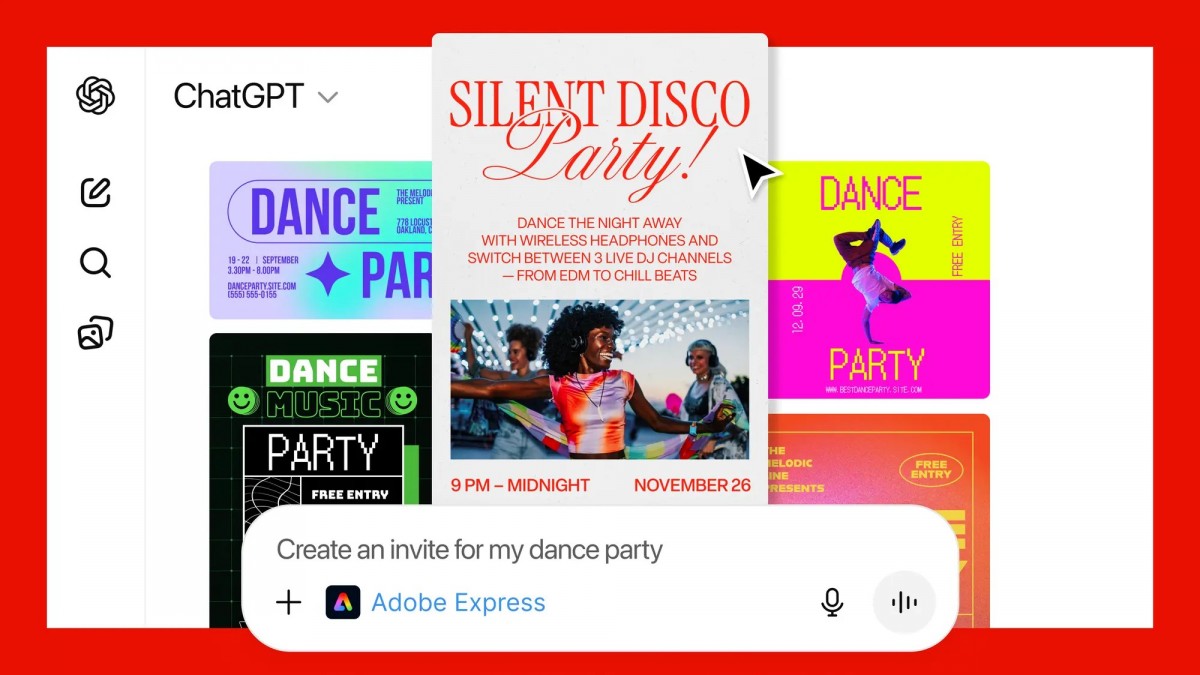
You can also personalize designs with Express, using its extensive library of professional designs to find one that fits any moment. You can fill in the text, replace images, animate designs, and iterate on edits, all through a conversation with ChatGPT, without needing to switch to another app.
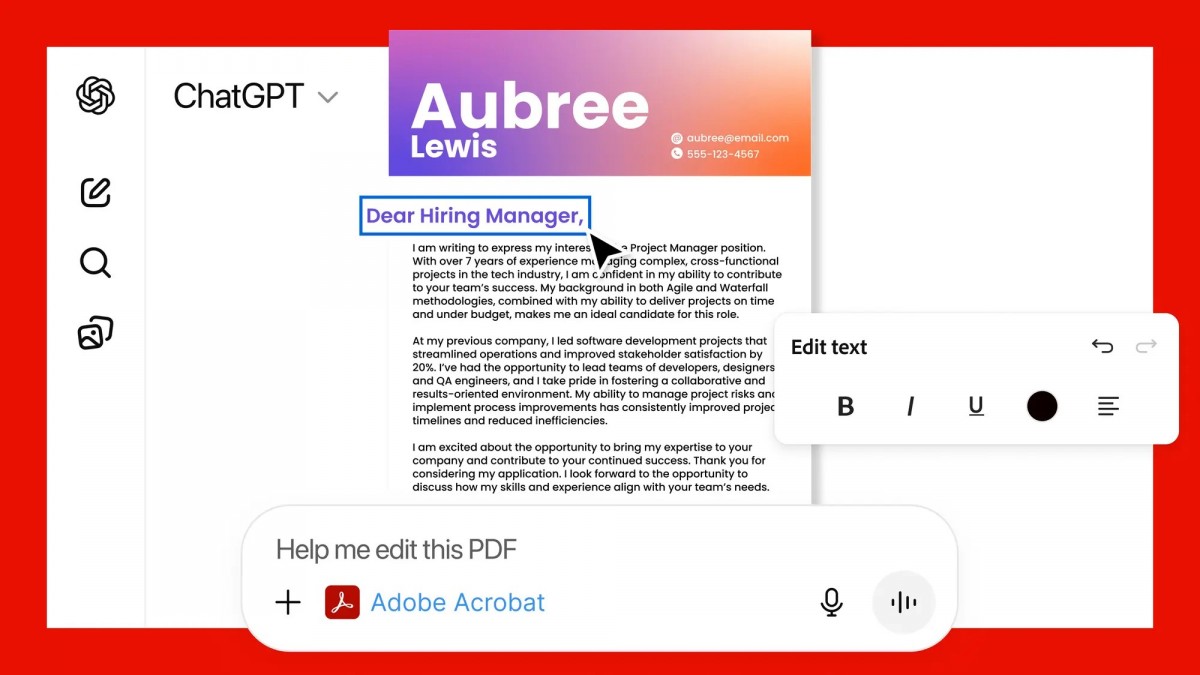
Finally, with Acrobat you can edit PDFs directly in the chat, extract text or tables, organize and merge multiple PDF files, compress files and convert them to PDF while keeping formatting and quality intact, and you can even redact sensitive details from your PDFs.
All of this is available today on ChatGPT on desktop, web, and iOS for free. Adobe Express for ChatGPT is also available on Android, while support for Photoshop and Acrobat on Android is “coming soon”.