
The Pixel Watch 4 is Google’s latest stab at the premium smartwatch market. As the successor to last year’s Pixel Watch 3, the new model may not look all that different on the surface. But underneath that domed exterior is a slew of improvements, including a new display, an updated chipset, longer battery life with faster charging, improved fitness tracking, and Google’s latest Wear OS software with Material 3 Expressive design.
Starting at $349 for the 41mm version, the Pixel Watch 4 appears poised to claim the title of the best Android smartwatch on the market. But is it any good? Let’s find out.
Design
The Pixel Watch 4 features an identical design to its predecessor. It is, however, a very nice design, so it’s hard to complain. The domed glass that gently crowns in the middle and wraps around the sides still looks unique and beautiful. The rest of the watch body is made out of aluminum, which can either be polished or matte depending on the color.
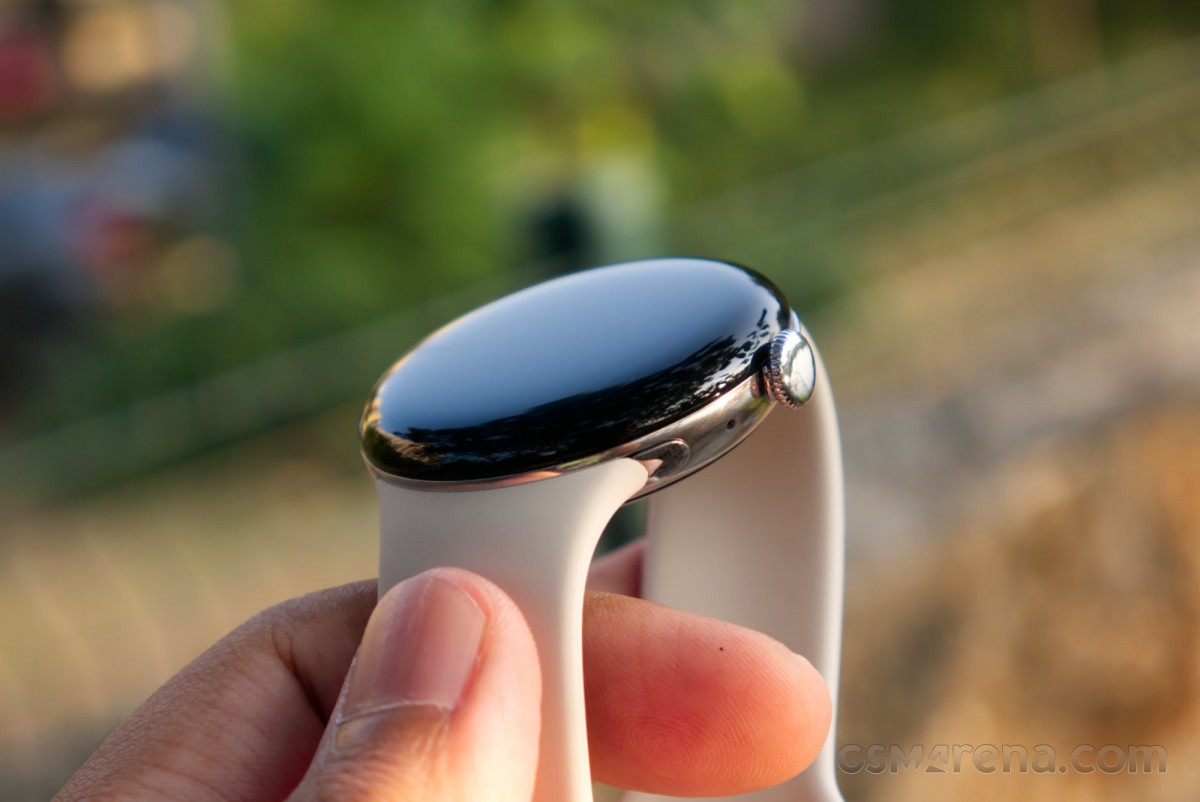
The watch comes in 41mm and 45mm sizes, with the one I have here being the former. The watch is also quite svelte, so it doesn’t stick out much from your wrist. It’s also very light and barely feels like you’re wearing anything at all. The watch has a rotating crown on the side as well as a side button, but I found these a bit difficult to use due to their size and also because of how hard they were to press.
The Pixel Watch uses a proprietary connector for attaching the wrist straps. If you are foregoing compatibility by not using standard lugs, you at least expect the attachment mechanism to be easy to use. But while the Pixel Watch 4 mechanism is easy enough in theory, in practice, I found it frustrating to remove or attach a strap because of how tiny the button is that needs to be pressed to release the strap. The fluoroelastomer strap that comes by default is quite nice, but third-party options will be limited compared to some other popular smartwatches.
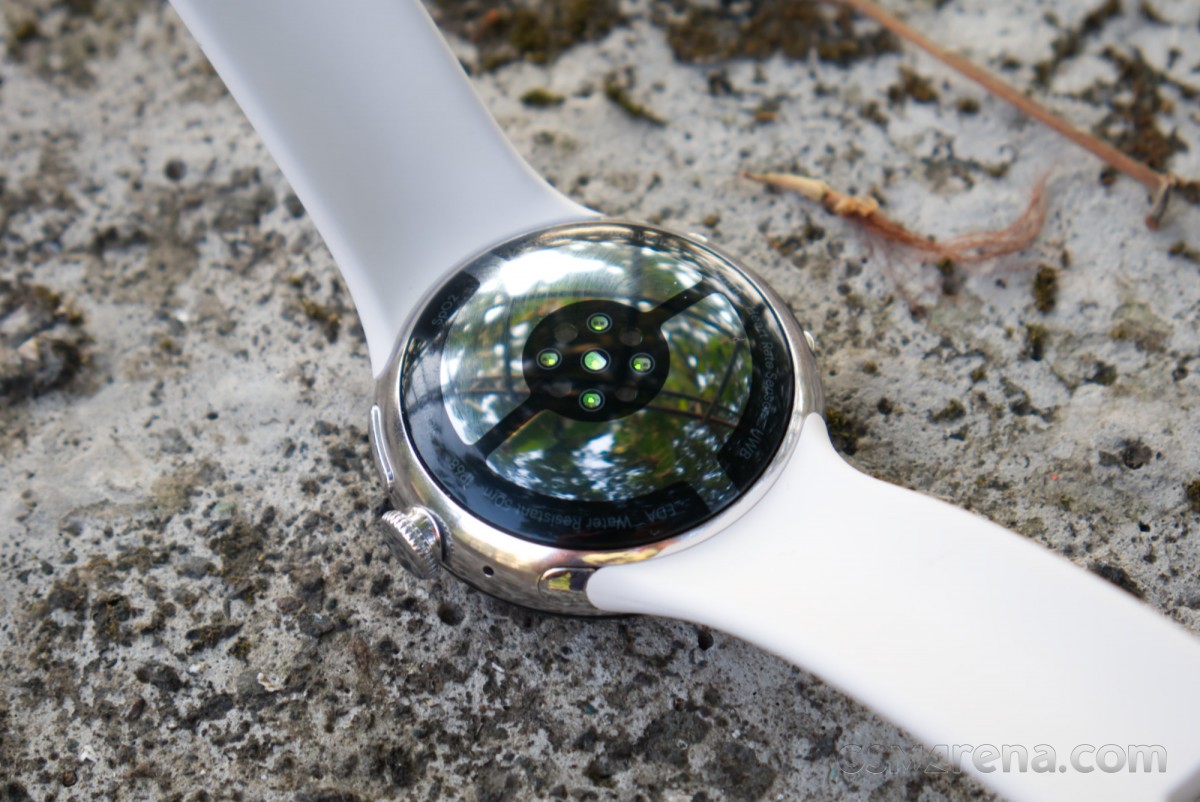
The overall build quality and finish of the watch are excellent; however, the display only uses Corning Gorilla Glass 5 instead of a sapphire crystal. This means it’s not going to be as durable, and you should be careful of bumping the glass into things, especially other people’s watches. This is also made harder by the fact that most of the exterior of the watch is just the glass, which makes it an easy target.
Display
Speaking of the display, the Pixel Watch 4 has an AMOLED LTPO display with 320 PPI, DCI-P3 color, and up to 3000 nits of peak brightness. The display can also go down to as low as 1 nit and has a refresh rate of 1-60Hz.
Google calls this the Actua 360 display because it’s a curved panel that follows the curves of the domed glass. This means it bulges slightly in the middle and spills over the edges. This is one of the bigger and more noticeable differences between the Pixel Watch 4 and the Pixel Watch 3, as the previous panel was neither curved nor as big. Google says this display has 10% more area despite the watch being the same size as before. It’s also brighter, as the Pixel Watch 3 display only went up to 2000 nits peak brightness.
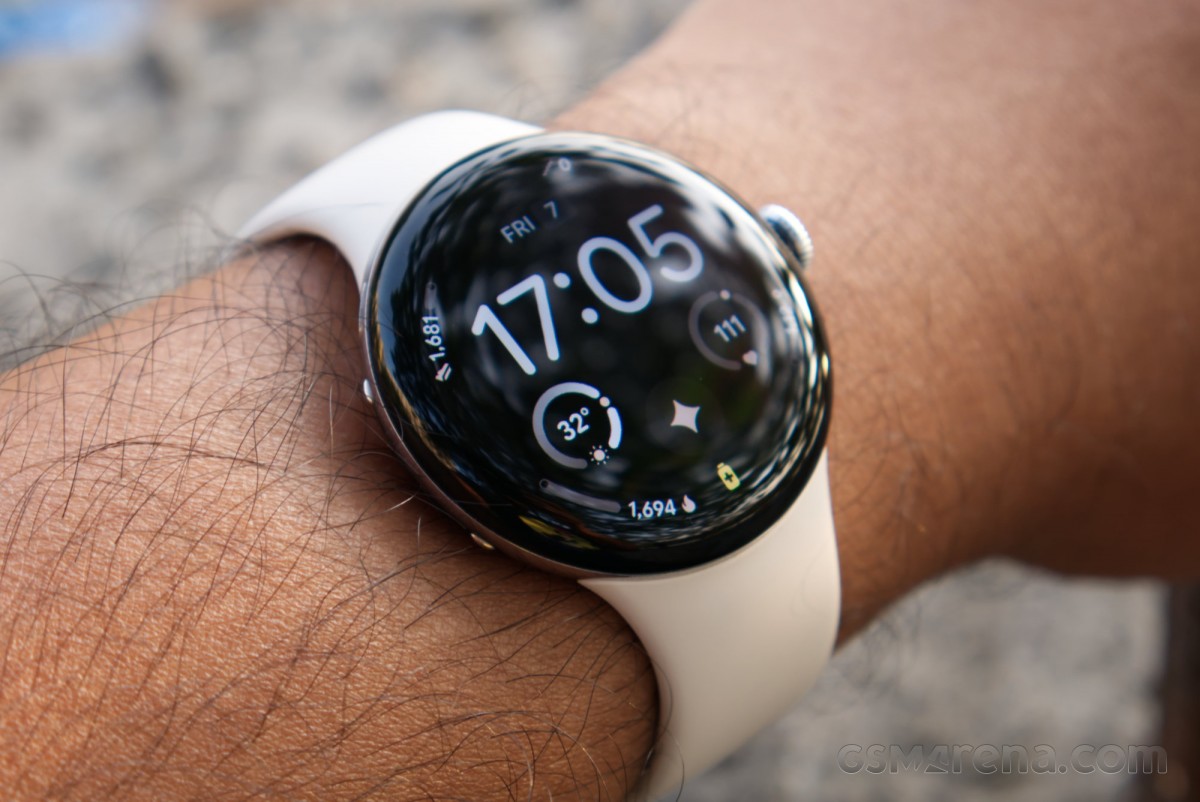
The display on the Pixel Watch 4 is excellent. It gets plenty bright outdoors under the sun, and the colors also look pleasing without being oversaturated. The domed glass does distort the image a bit, something you don’t notice at first, but after using this watch for a while, every other smartwatch display starts looking concave in comparison. The panel being fused to the glass and following its curves makes everything look like it’s floating on top of the watch in a large bubble that’s held together by surface tension. It’s a fantastic design choice that makes this series of watches stand out from the crowd, and the new display makes it look better than any Pixel Watch before it.
There is a problem, however, which is that the curved display is Glare City. The glass is always catching stray reflections, which can affect functionality at times. Many of the more intricate watch faces put complications right around the circumference of the glass, right where you’d usually find light reflections. This makes those complications impossible to see without adjusting your wrist. How bothered you are by this will really depend on the watch face you are using.
The Pixel Watch 4 has an always-on display mode, and it’s enabled by default. You would want to keep this enabled because the watch takes an annoyingly long time to turn the screen on after you raise or turn your wrist. It’s only about a second or so, but it feels like an eternity when you quickly want to check the time, the reason you wear a watch in the first place.
Software and performance
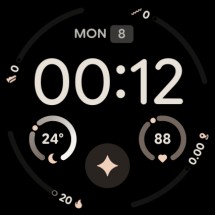
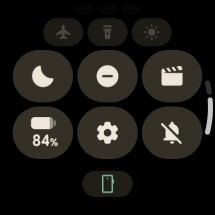
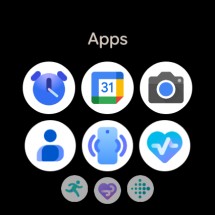
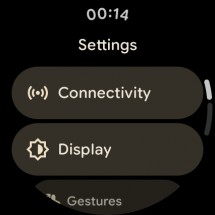
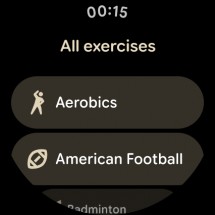
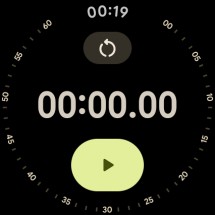
The Pixel Watch 4 runs on the latest Wear OS 6.0 out of the box. The software on the Pixel Watch 4 is simple, powerful, and feels right at home visually. It fully embraces the curved display rather than trying to display a square image inside a round hole, with all the fonts and buttons being arced to match the shape of the screen, and the UI elements being shrunken down as they go up and down the edges of the screen to enhance the domed look of the display.
Google’s watch face designs are a bit esoteric, however. There are tons of them, and there is no shortage of incredible color combinations to customize them with, but I’d struggle to call any of them beautiful. Some of them try to mimic real watch faces, as many smartwatch watch faces tend to do, but with Google’s new pastel color schemes and the same default Wear OS font on all of them, which just looks odd. Many are also just overly busy-looking with way too many complications and intricate detailing. Thankfully, this is Android, so you can just get different ones from the Play Store if you don’t like the ones available here.
Wear OS
I tested the watch with both a Pixel 10 Pro XL and a OnePlus 15, and it worked fine with both. I had initially paired it with the Pixel, and transferring it over to the OnePlus was seamless using the Transfer Watch function.
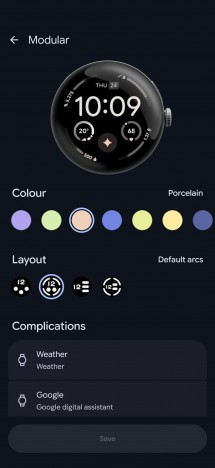
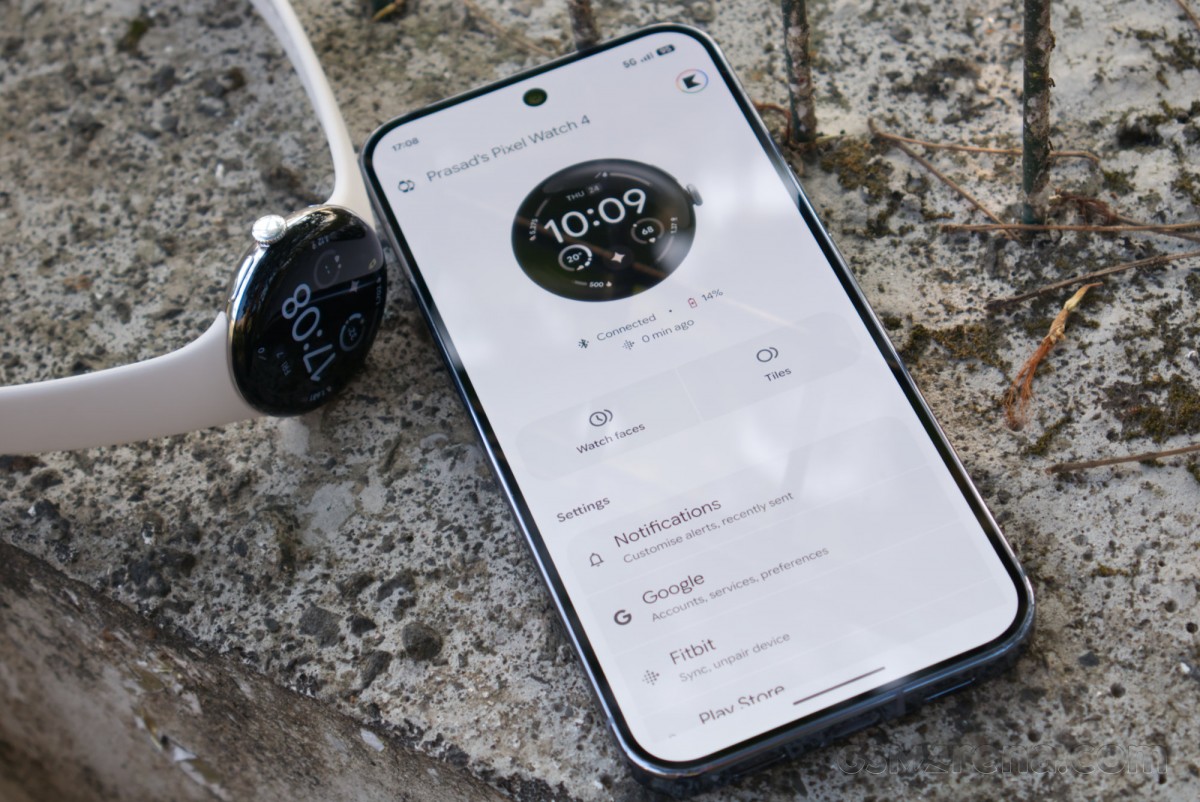
Pixel Watch app
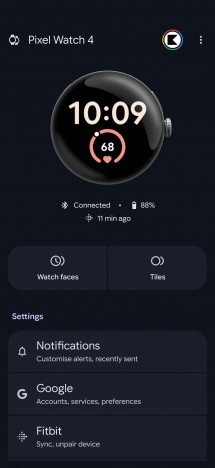
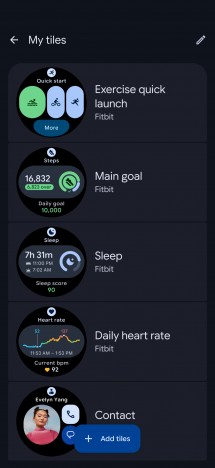
Unfortunately, you need to install not one but two apps to get the most out of this watch. The Pixel Watch app is mandatory to set up the device, and it handles basic settings, watch faces, etc. However, it does not handle any of the fitness stuff, and Google requires you to install the Fitbit app for that. Why the company can’t make either app handle all the functionality is beyond me.
The performance from the new Qualcomm Snapdragon W5 Gen 2 is decent but fundamentally unchanged from the previous version since all the processing bits are the same. The watch will hitch a bit when you try to use it immediately after starting it up, but after it’s been on for a while, performance tends to settle down and become consistent.
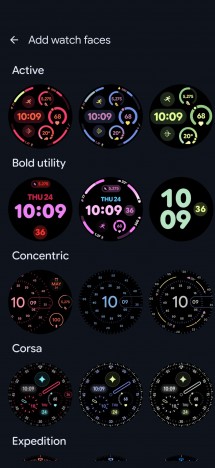
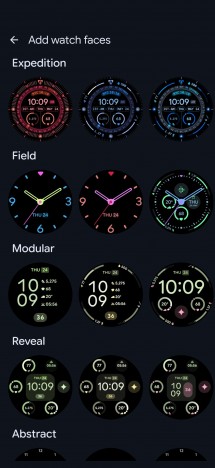
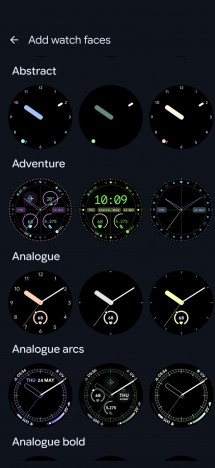
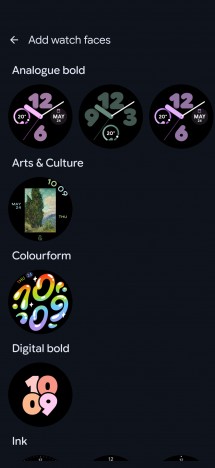
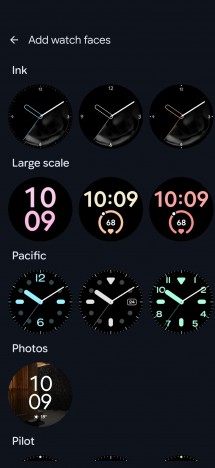
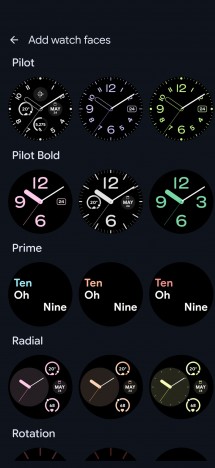
Default watch faces
The haptics on the Pixel Watch 4 also work well, and you get firm and precise taps from the watch, even for things like rotating the crown. The speaker and the microphone also work well.
Health and fitness tracking
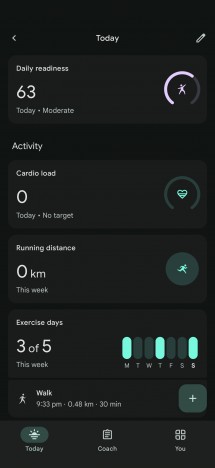
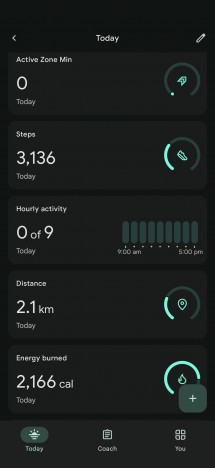
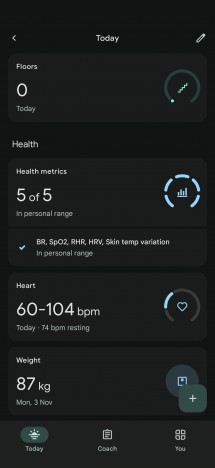
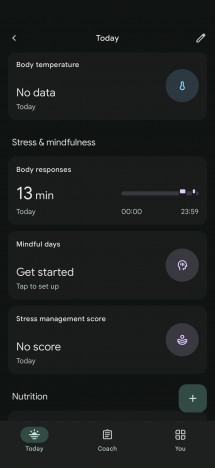
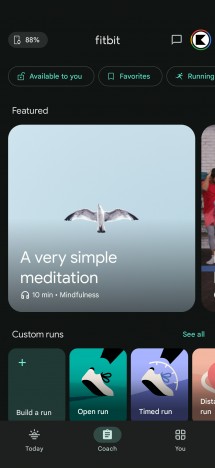
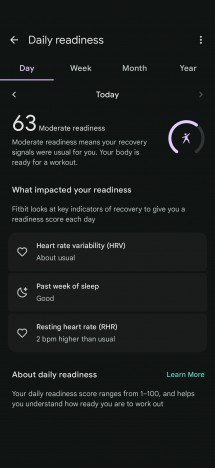
The Pixel Watch 4 can track a wide range of health and fitness parameters thanks to its large number of sensors. The watch can track your heart rate, blood oxygen saturation, and skin temperature. The watch can take your ECG as well as check for signs of arrhythmia. This is on top of the basic things, such as step counting, sleep, and stress tracking.
All of this is accessed through either the Fitbit app on the watch or the phone. If you don’t install the app on the phone, the watch will still track the data, but it will only be accessible in a limited form on the watch app.
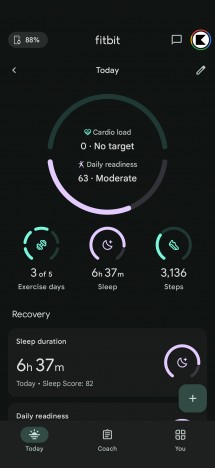
Fitbit app
This is not a full review of the watch, so there are no comparisons of the health and fitness features against proper medical-grade equipment. However, I did basic comparisons against other devices I had with me at the time of testing.
Starting with the step tracking, I found the Pixel Watch 4 to be a bit generous with how many steps as well as the total distance it would count while not using the GPS. Compared to the OnePlus Watch 2, the Pixel Watch 4 always counted extra steps and distance. After coming home from being out and about, the total distance walked would often feel a bit higher than what I felt I walked, but I didn’t have another device to compare against. It feels like when the GPS is not in use, and you are in moving vehicles, the watch tends to produce higher numbers than what you actually walked.
Things were better on the heart rate monitoring and blood oxygen saturation tests. The Pixel Watch 4 matched the reading from the OnePlus Watch 2 and a blood oxygen saturation testing machine for saturation results. It also matched those two as well as the AirPods Pro 3 for heart rate monitoring, with roughly equivalent numbers.
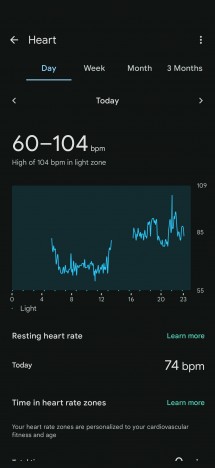
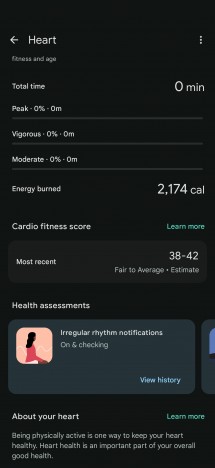
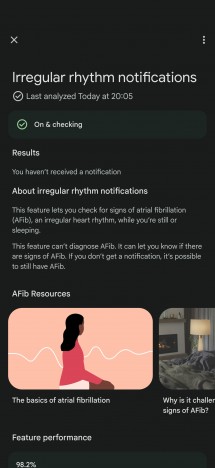
Tracking data
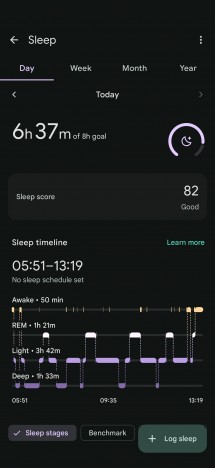
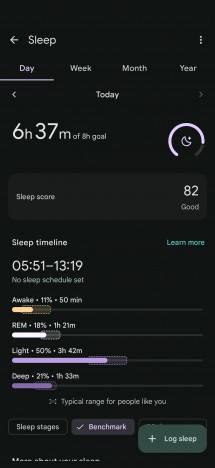
Sleep tracking is harder to test, but the results seem to be on par with my experience for the nights I was tracking.
The GPS performance on the Pixel Watch 4 is very good. The satellite lock is extremely quick with a paired smartphone, but also reasonably fast when not paired with a phone and having to rely solely on the satellite connection to get a lock.
Battery life
Google claims improved battery life for the Pixel Watch 4 thanks to a combination of bigger batteries, more efficient software, and hardware. For the 41mm version tested here, the company touts 30 hours of battery life.
In my usage, I found that I could use the watch for two days if I didn’t use the GPS extensively. This is with all other features, such as always-on display, constant heart rate tracking, sleep tracking, and SpO2 tracking enabled (which they are by default). However, if I spent a couple of hours using GPS, then I would need to charge at the end of the day, as the watch would die halfway through the next one.
At times like these, one misses the clever dual-mode functionality of the OnePlus watches, which feature a secondary low-power chip and OS that can extend the watch’s battery life to over a week while still retaining full activity tracking capabilities. The Pixel Watch 4 does not have such a mode, so you are burning power for a full Android smartwatch all the time, even if you don’t necessarily use any apps on the watch itself.
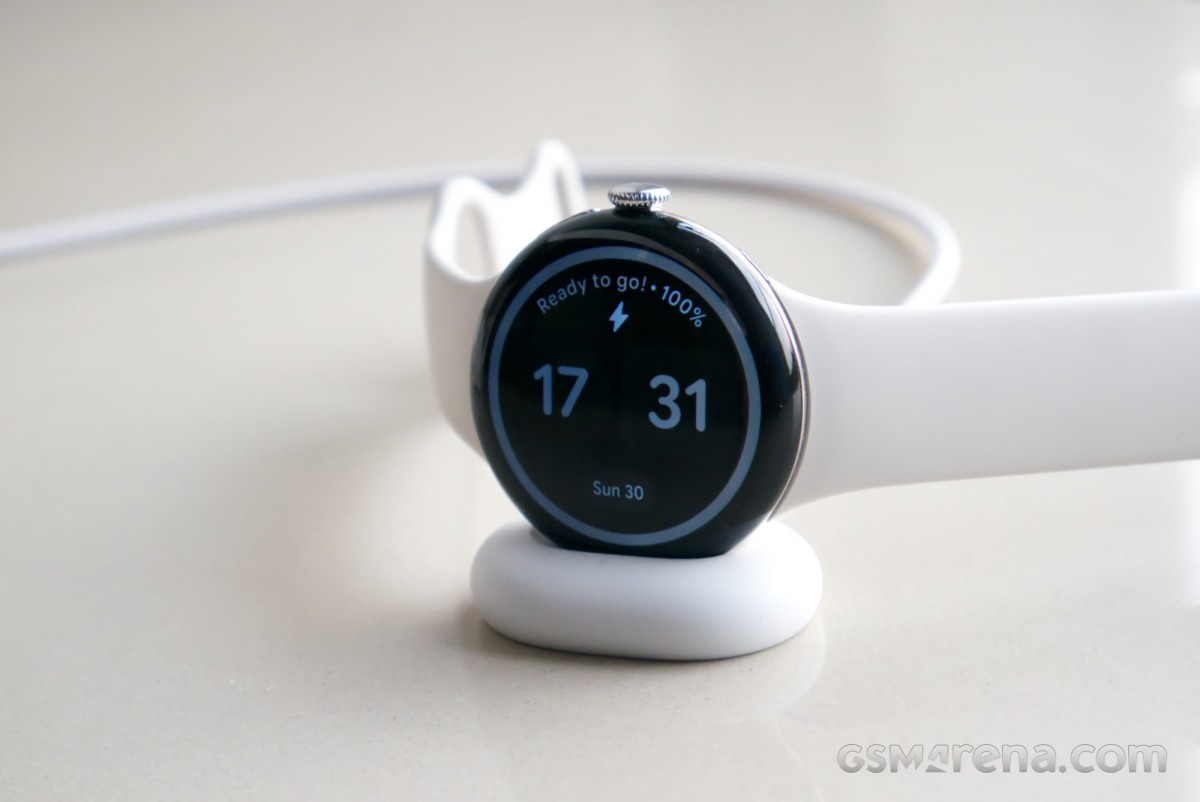
The good thing is that the watch charges very quickly. On the 41mm version, you can reach 50% charge in about 15 minutes and 80% in about 25 minutes, with a full charge taking about 45 minutes. Even if you forgot to charge it overnight, you can set it to charge just before you leave the house and still get a full day’s charge.
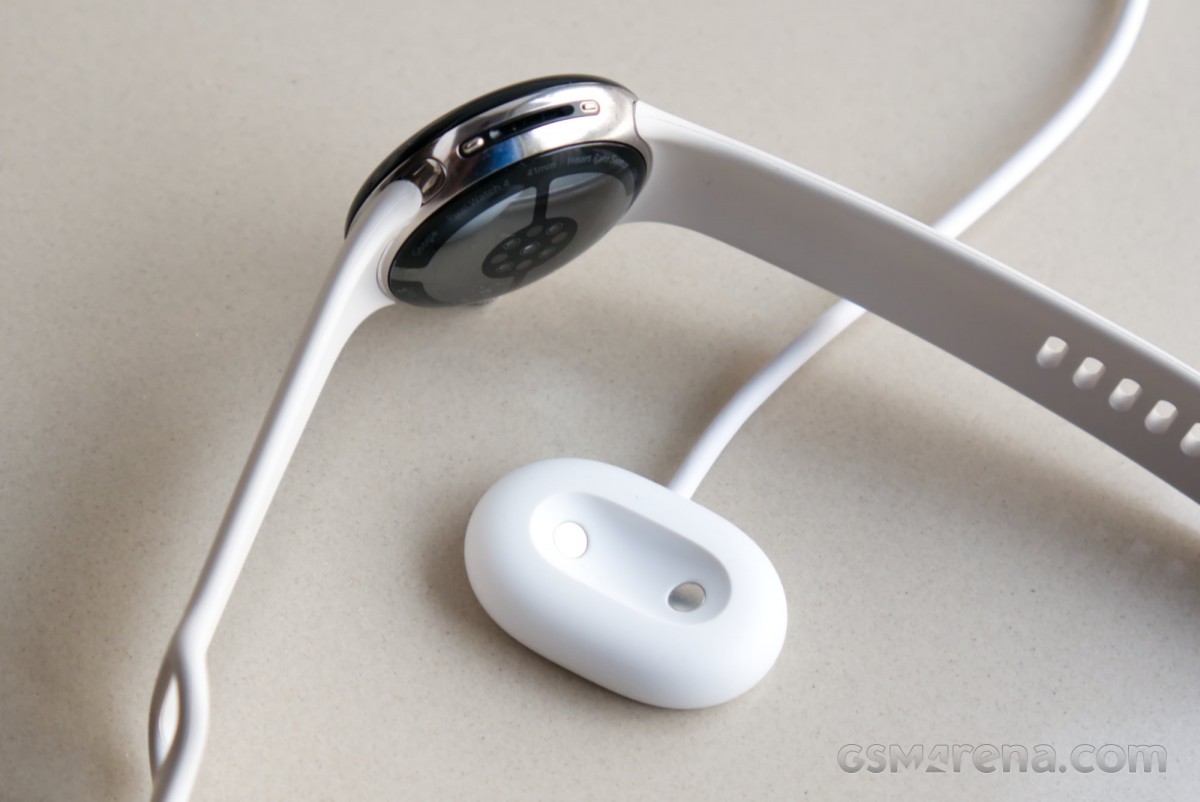
The charger that comes with the Pixel Watch 4 is a new proprietary unit that isn’t compatible with previous-generation Pixel Watch models. It’s a relatively simple design that is easy to plop the watch onto, and if the other end isn’t plugged into anything, the watch will warn you about it. The watch goes into a sideways bedside mode while on the charger, and when it’s fully charged, you get a notification on your phone.
Conclusion
The Pixel Watch 4 is a great smartwatch. It has a lovely design that, despite being similar to its predecessors, still stands out from the crowd and grabs attention. The software also looks and works really well, as do most of the workout and activity tracking features. The battery life isn’t great in general, but decent for a watch with this much functionality that’s this small and light.
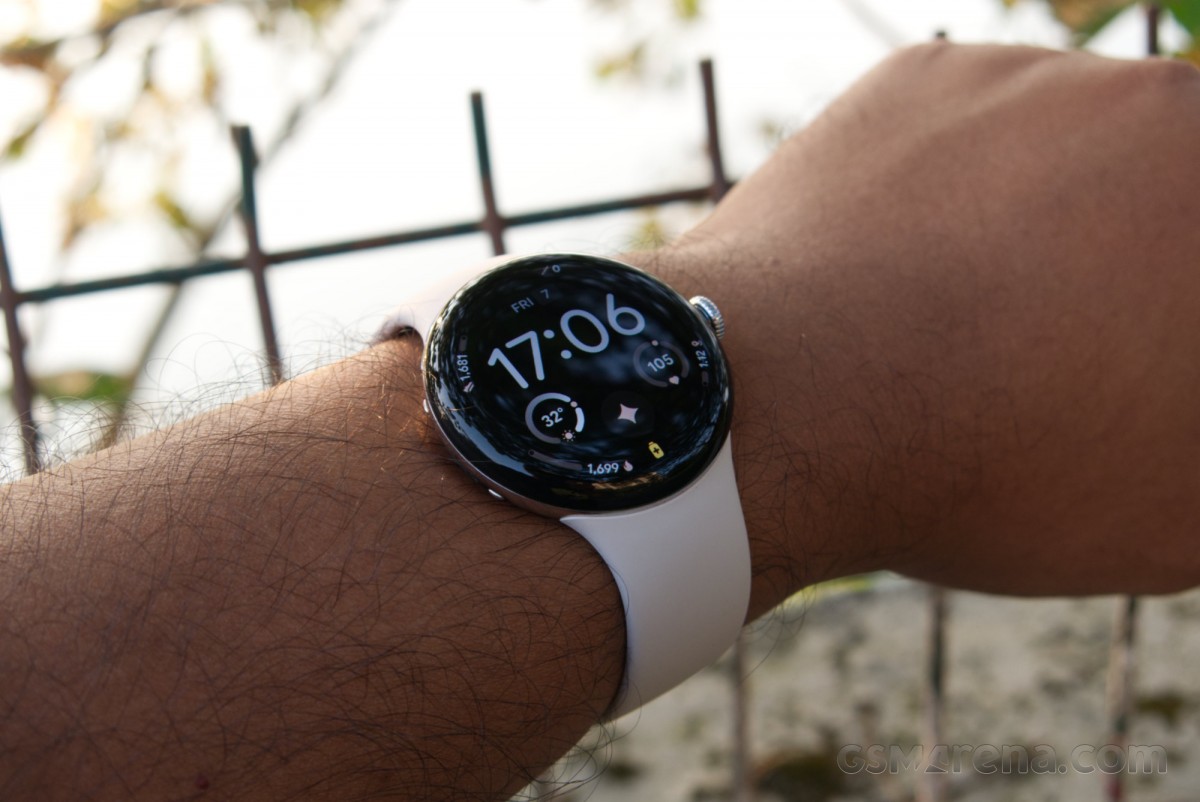
Overall, the Pixel Watch 4 is highly recommended to those looking for a premium smartwatch for their Android smartphone.